Showing posts with label Uploading Templates. Show all posts
Showing posts with label Uploading Templates. Show all posts
Wednesday, October 20, 2010
0
Wednesday, October 20, 2010
Anonymous


 Read more...
25 free premium blogger templates of 2010
There are thousands of Blogger templates around the web and this puts us in a complete dilemma to choose the best between thousands of templates available. So, let make your tough job and make it much simpler by making a list of 25 roundup of best Blogger templates that are released in this year 2010.

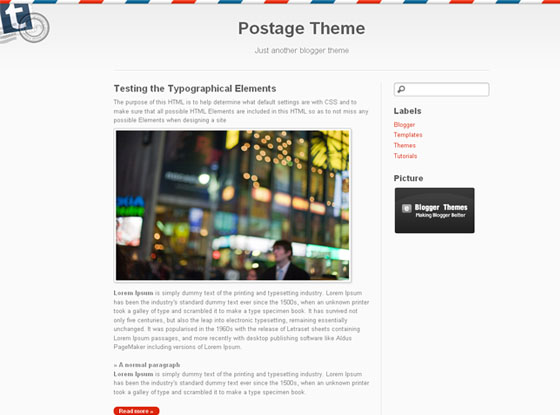
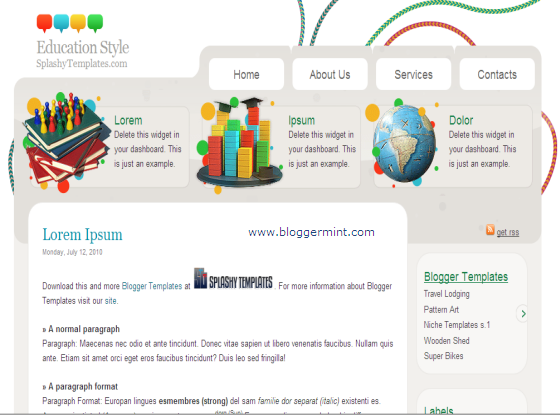
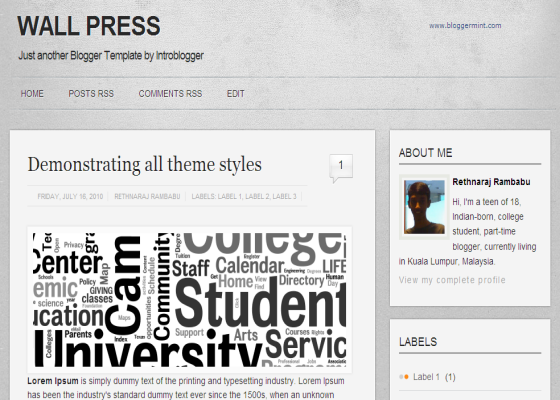
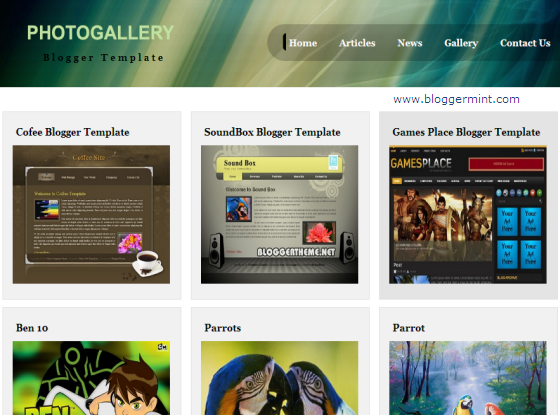
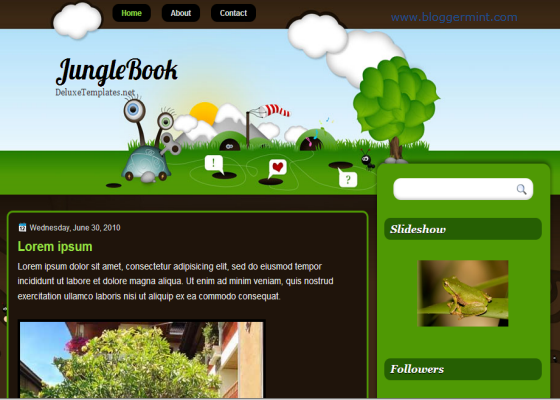
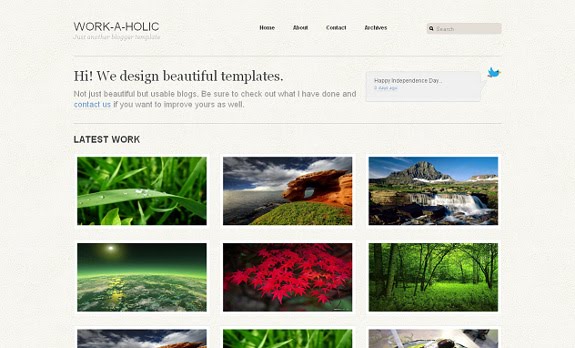
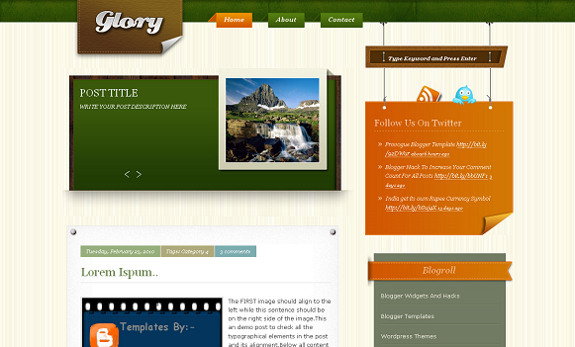
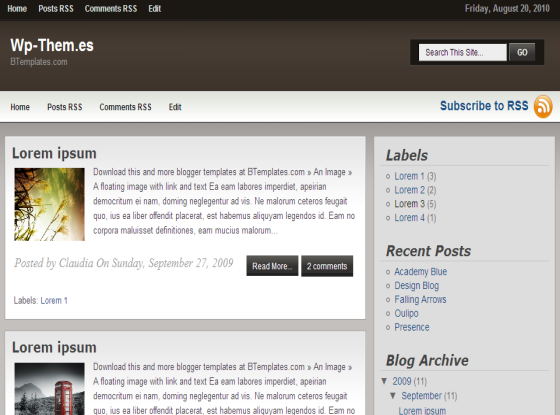
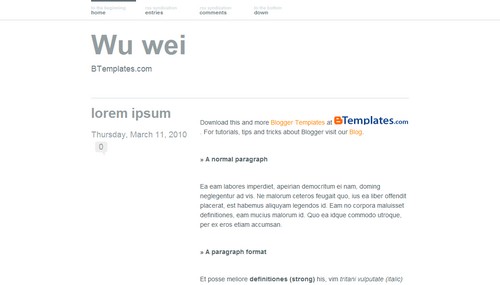
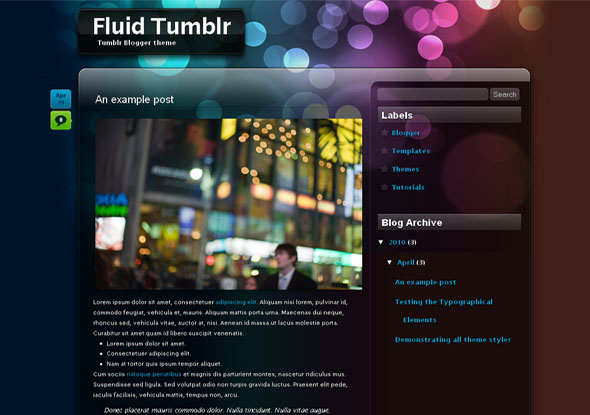
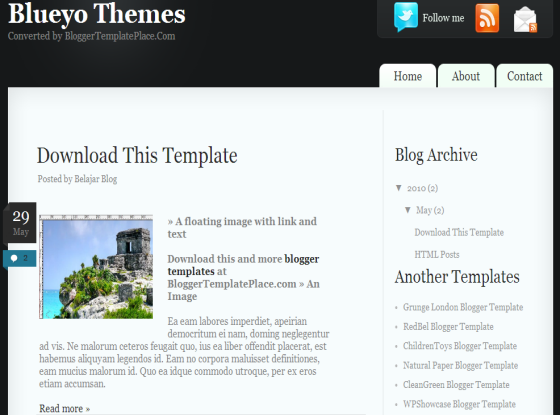
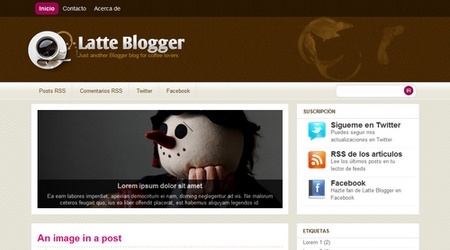
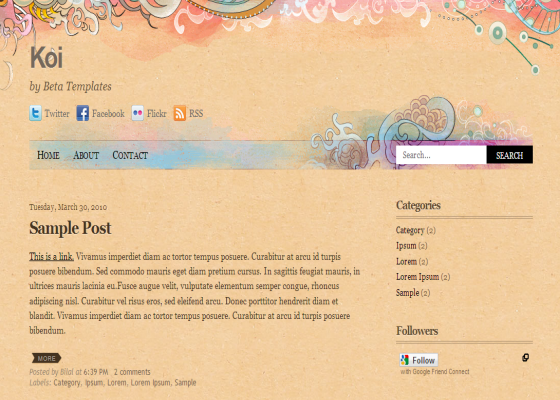
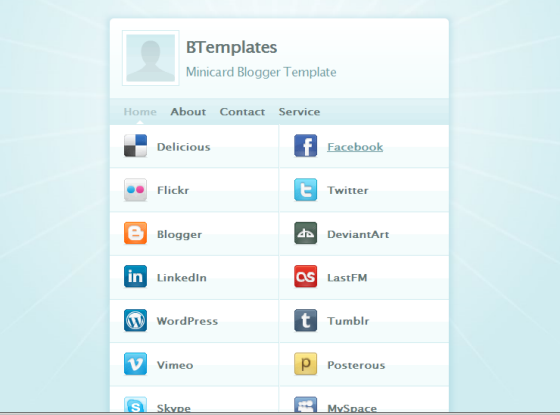

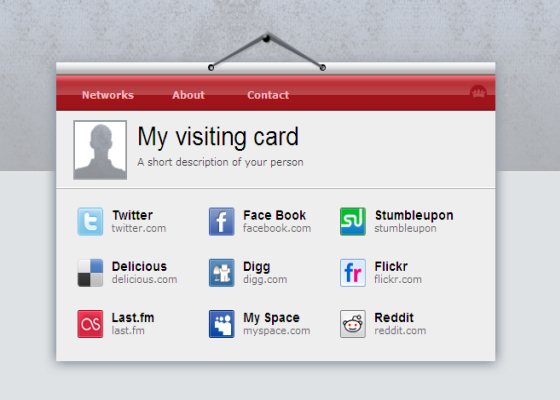
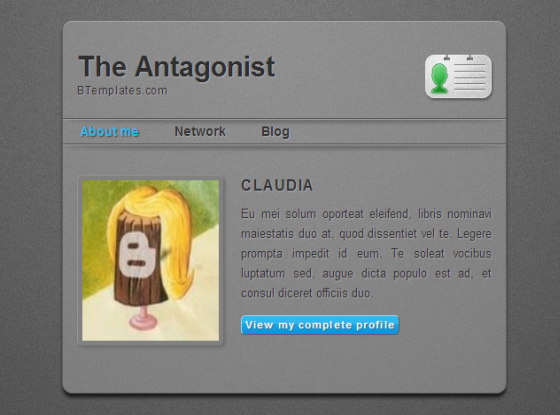
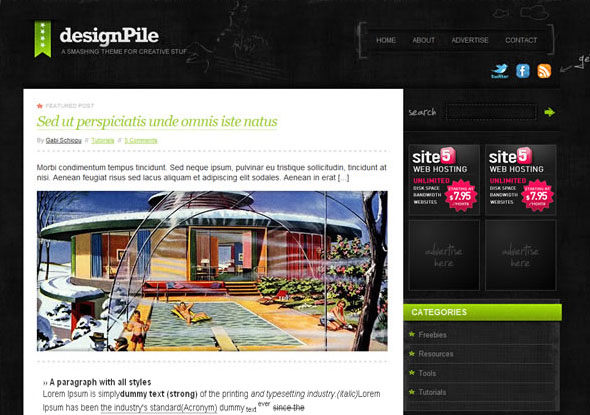

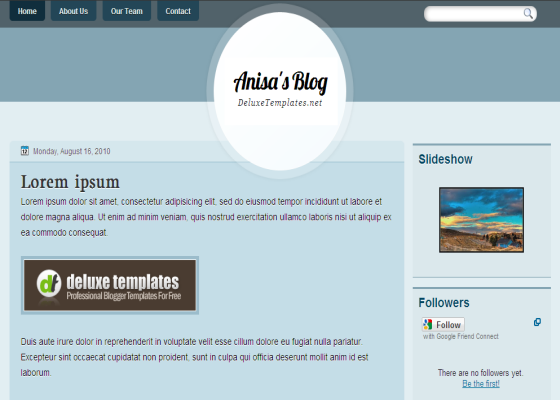
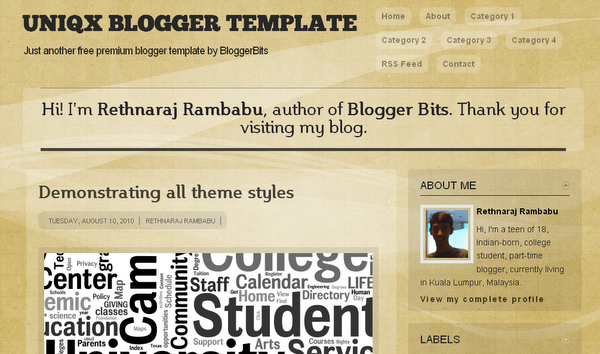
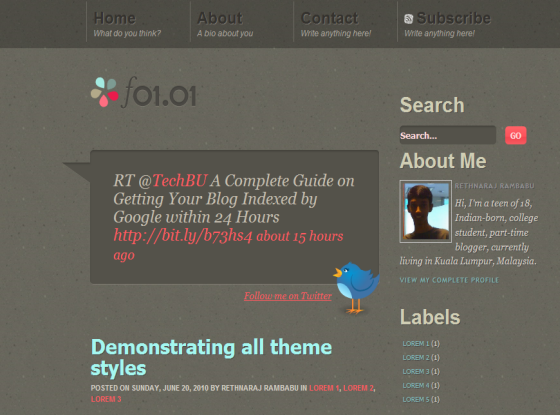
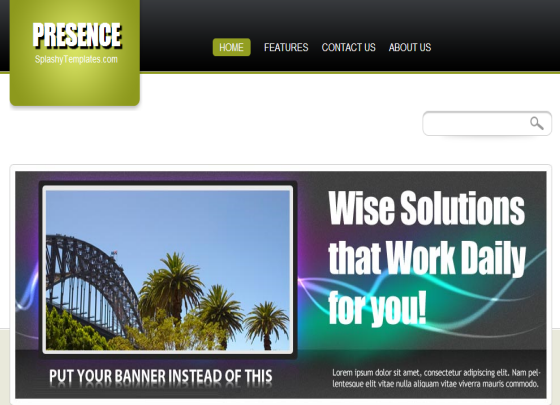

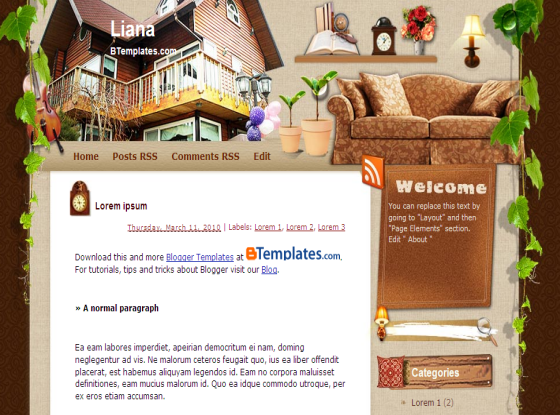
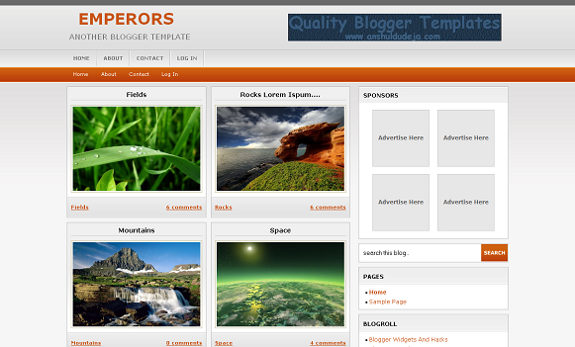
If you have any suggestion, drop in your comments.
0
Anonymous
 Read more...
Minto Free Premium Blogger Template
Its been a week, I haven’t blogged and now back with a premium blogger template Mint Magazine. Mint Magazine is a simple yet advanced WordPress look alike blogger template. While developing the template I kept in mind of some designer blog theme having big width thumbnail and then I thought of implementing the same on my Blogger template. After various test on my all the major browsers, I am releasing this template, so using this template on your blog assure the best output on any browsers. So lets have a look at the template below.

Template specifications
- Two column
- Floating widgets style
- Auto thumbnailed image
- Social sharing buttons under each post
To change the category links search for <div id=’topMenu’> and make the necessary changes according. For the top links search for <ul id=’topbar’> to change the top pages link. Finally the social button at the top, that requires to be changed, so simply search for <div id=’socialbutton’> and replace it with your social profile URL. Thats it!
If you have any suggestions, drop in your comments.
0
Anonymous
Read more...
Minto Free Premium Blogger Template
Minto is a new premium magazine style Blogger template with all necessary options that you may look for in a template. Minto has advanced functions compared to my previous template Mint Magazine. The template is optimized to compatible with all major browsers, so you don’t require to personally tweak the template for different browsers. Here we go!

Now lets get into the instruction part
To change the navigation bar links search for menu_area and change the default values with your own navigation links
Minto has a cool slider to change the image and the description of the image search for <div id=’coin-slider’> and change the image URL and description appropriately.
The comes the subscribe box, so search for <ul id=’subscribebox’> and replace YOUR FEED NAME and YOUR TWITTER HANDLE with your Feedburner and Twitter ID.
Template Features
- Two column
- Compatible with all the major browsers
- Social share buttons under each post
- Social media profile icons
- Cool slider from Workshop.rs
If your any trouble in installing the template, drop in your comments.
0
Anonymous

Live Demo | Download
Read more...
Browny Galleria Blogger Template Browny Galleria Blogger Template
Gallery template are one of the most wanted blogger templates and today I am releasing yet another blogger template – Browny Galleria. Browny Galleria is a gallery styled blogger template with cool navigation, four column footer, commentator thumbnail and a lot more. This template is very suitable for showcasing your portfolio and photo inspirations. Lets have a look at the demo below

Template Specifications
- Gallery style
- Four column footer
- Horizontal child navigation
- Auto thumbnail resizing
- Default image for no thumb
Browny Galleria is one of my favorite template and I hope you guys do like this. If you have any doubts in installing the template, drop your comments below.
Friday, October 8, 2010
0
Friday, October 8, 2010
Anonymous
 What you need to do is use the Add a Gadget from the appropriate column to add a feed widget for each of the feeds. One for Recent Posts and another for Recent comments.
 Read more...
Fixing Problems Uploading Templates to Blogger
Blogger is constantly improving the way that it works in order to give us a better service. This is great and it means that users can get the best performance out of their Blogger blogs. Unfortunately it does cause problems for those of us who choose to make our blogs a little more individual by using third party templates.
Some of these problems include the inability to save the template once it is uploaded because the dreaded and totally unfathomable BX error window pops up and leaves a message that no one can understand.
Sometimes the template starts to save and you confirm that you want to replace the widgets in the list. Then along comes the message:
The new widget id "Recent-Posts-Widget2" is invalid for type: Feed or
The new widget id "ads2" is invalid for type: HTML
or
The new widget id "search" is invalid for type: HTML
and nothing seems to solve this.
The Invalid For Type Error
First, the invalid for type error. This is caused because template designers like to give their widgets ids which tell you exactly what they are. This used to work and it was a good idea as it told you exactly what the next section of code was for. In the recent past I successfully uploaded a template with ids of this sort. I would not be able to upload this template again without correcting the widget ids.
Before you attempt to upload a new template it is best to open the XML template in a good text editor, preferably with a search function. Search for widget id and check that the widget id matches the type every time.
<b:widget id='Profile1' locked='false' title='About Me' type='Profile'>
or
<b:widget id='Feed2' locked='false' title='Recent Comments' type='Feed'>
or
<b:widget id='HTML11' locked='true' title='Search' type='HTML'>
If it does not match then change it and if there is more than one of a type add a number, with no gap between the id and number. Remember to give each id of the same type a unique number or Blogger will give you another error message that you cannot have two of the type with the same number.
If you successfully uploaded the template before you changed the ids then as you get each "invalid for type" error message you can just use your browsers search/find function to look for the incorrect id and change it to match the type, click save and confirm if asked and hope that no more errors pop up.
I successfully uploaded the Daya Earth template to a test blog after correcting the widget ids in a text editor. I changed nothing else in the template.
Look below for more information on Recent Posts and Recent Comment widgets.
The Dreaded BX Error
If you get the dreaded BX error window you may be able to fix this by opening your template code and increasing the widget id number by one (1) for every id. This has worked quite successfully in the past.
Rather than repeat everything that has already been very well explained by Amanda Fazani I suggest that you read this post on Blogger Buster.
Some people have done this and found that this has not worked. If increasing the numbers again still does not work then a drastic course of action is required.
First make sure that you have downloaded your original template and saved it so that if all else fails you can restore it. Go to Layout>Choose New Template and choose a simple template such as Minima and click Save Template. Then go Layouts>Page Elements and delete every gadget you can by clicking on Edit, then Remove, in the window which opens.
The upload really should work now. If not then try clearing your browsers cache to get rid of any saved pages which may be popping up. Better still close your browser and use CCleaner, which is both free and excellent. After cleaning open up your Dashboard and try uploading again.
If none of the drastic action works then try a nice cup of tea or find a brick wall and beat your head on it.
If you have concerns about losing some of your favourite widgets when changing templates then have a look at another of Amanda Fazani’s articles on transferring your widgets.
Recent Posts and Recent Comments Widgets.
The nice people at Blogger have changed the way that their feeds work. Because of this the Recent Comments and Recent Posts widgets included in most third party templates do not work. We cannot blame the template designers for this as their widgets worked perfectly when they designed the templates.
I had one template (this one in fact) which immediately threw up the Blank Configure Feed Problem as soon as I tried to configure my feeds. This article, which is quite specific to this template, is still the most popular article on the blog as so many have had this problem.
If you have successfully uploaded your new template you will find that the Recent Comments and Recent Posts do not show as they are awaiting your feed URLs. But when you click on Edit for each of the widgets you will get the blank window as shown in The Blank Configure Feed Problem.
There is nothing you can do, not even delete it, as apart from the Help button there is nothing else there.
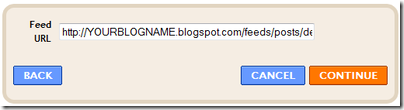
 What you need to do is use the Add a Gadget from the appropriate column to add a feed widget for each of the feeds. One for Recent Posts and another for Recent comments.
For Recent Posts enter the following URL, remembering to replace YOURBLOGNAME with your blog’s name.
http://YOURBLOGNAME.blogspot.com/feeds/posts/default

Click Continue then replace whatever pops up in the Title box with Recent Posts.

Save it then position it where you want it to show then do exactly the same to add your Recent Comments widget. This time the URL must be:
http://YOURBLOGNAME.blogspot.com/feeds/comments/default
As for the original feeds: They are still there but not working. You can only get rid of them by looking for them in the HTML and deleting them. The code for the new feeds is much more compact than the old code so the old code will look like this:
<b:widget id='Feed1' locked='false' title='Recent Posts' type='Feed'>
<b:includable id='main'>
<b:if cond='data:title'><h2><data:title/></h2></b:if>
<div class='widget-content'>
<ul class='comments' expr:id='data:widget.instanceId + "_feedItemListDisplay"'>
<b:loop values='data:feedData.items' var='i'>
<li>
<span class='item-title'>
<a expr:href='data:i.alternate.href'>
<data:i.title/>
</a>
</span>
<b:if cond='data:showItemDate'>
<b:if cond='data:i.str_published != ""'>
<span class='item-date'>
 - <data:i.str_published/>
</span>
</b:if>
</b:if>
<b:if cond='data:showItemAuthor'>
<b:if cond='data:i.author != ""'>
<span class='item-author'>
 - <data:i.author/>
</span>
</b:if>
</b:if>
</li>
</b:loop>
</ul>
</div>
</b:includable>
</b:widget>
Make sure that you remove everything from the opening b:widget tag to the closing /b:widget tag including both tags. The above is for the original Recent Posts, the Recent Comments will look very similar.
Handy tip 1: If, in Layout>Page Elements you place your new widgets directly above each of the old widgets you can use your browser’s search/find to look for recent. You will find the new compact code first and the code to be removed will be directly below it.
Handy tip 2: If you know that your template has the old code delete it in your text editor before uploading the template.
I hope that this post has helped you to overcome your uploading problems.
Subscribe to:
Posts (Atom)


